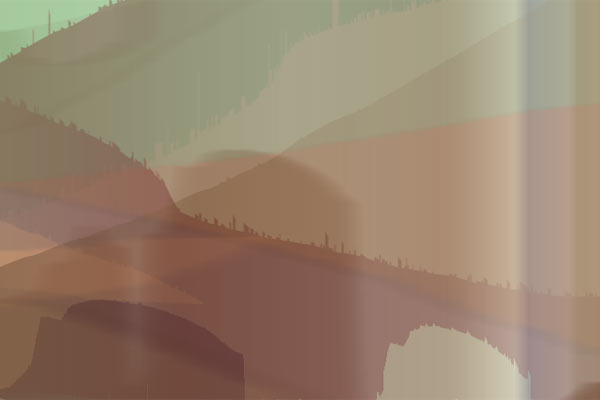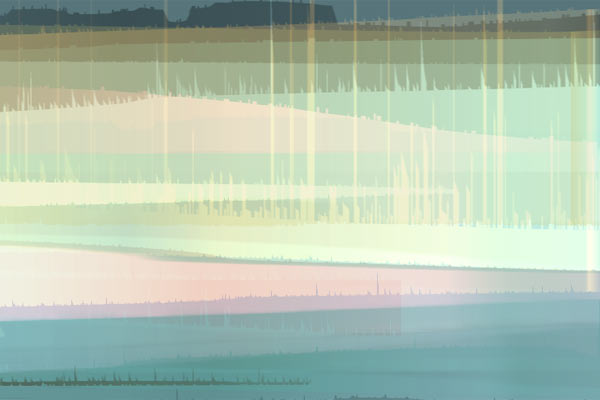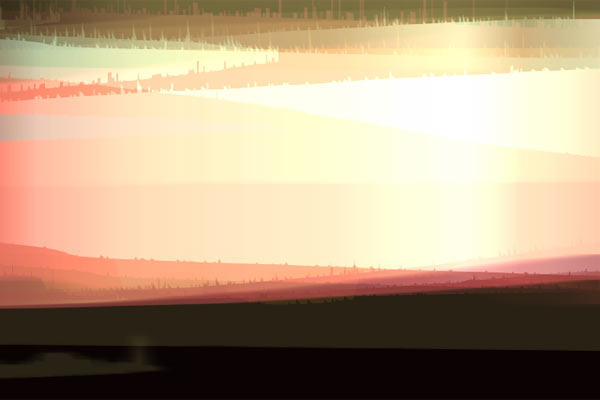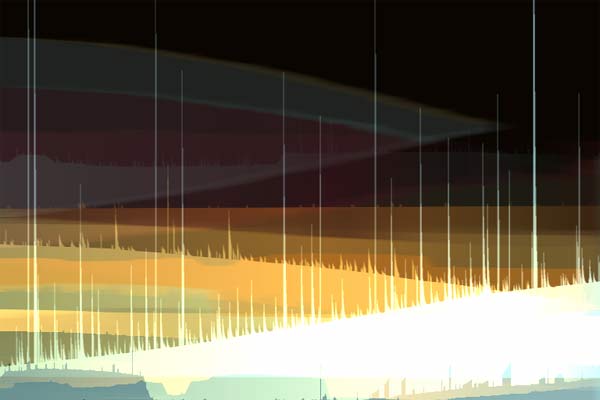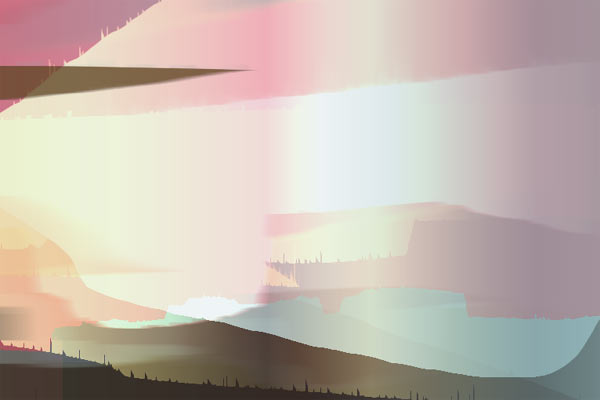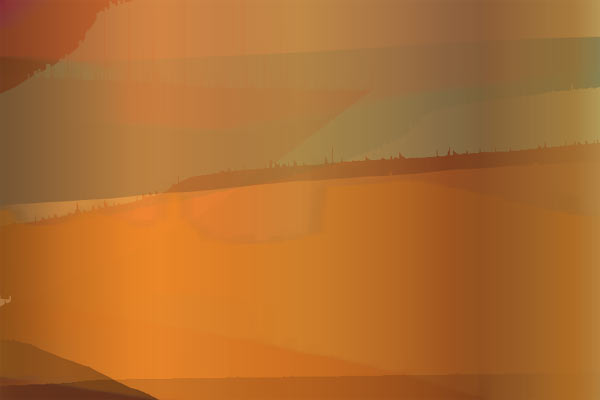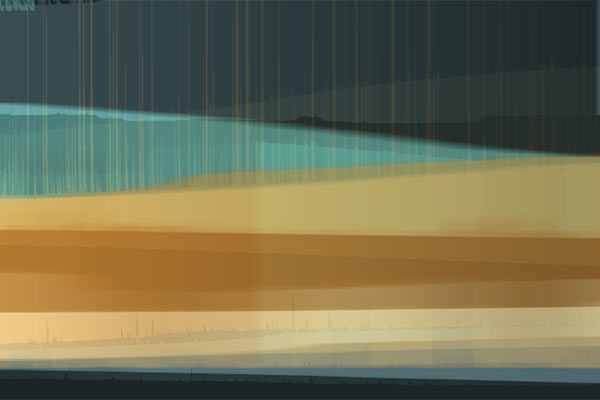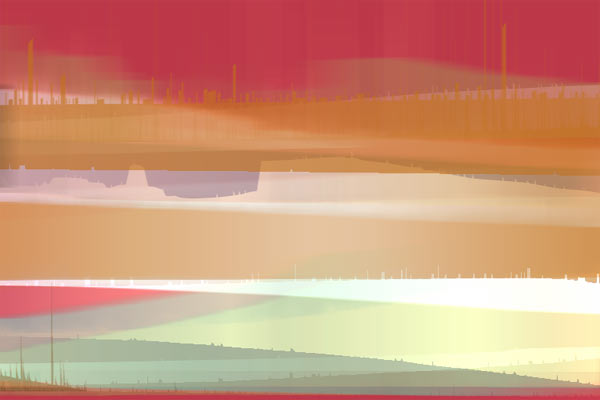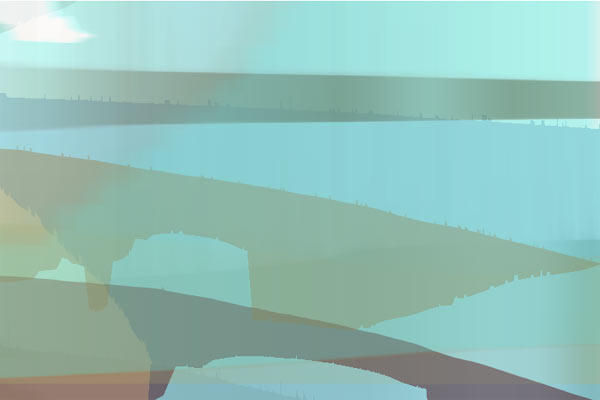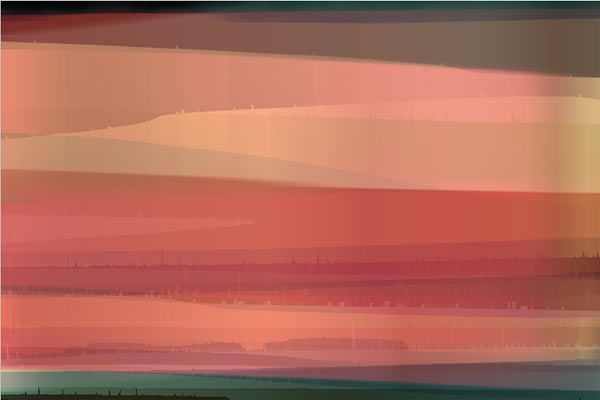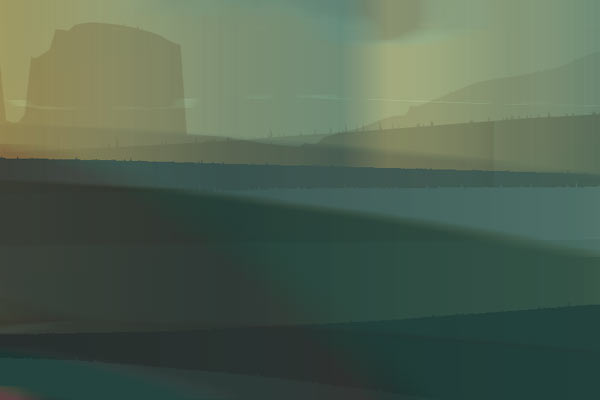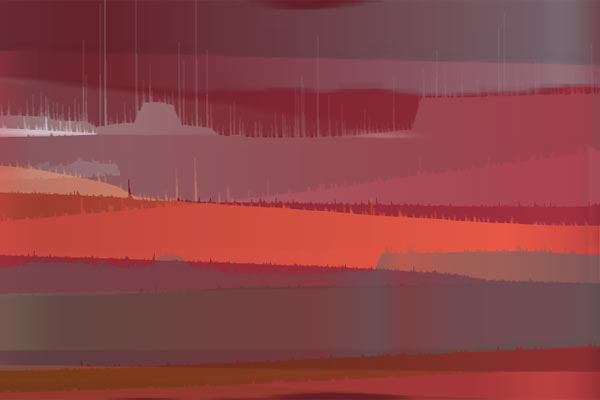
Turtledove Kingdom is a program that creates endless random images with no input from the user. The images typically look like softly coloured landscapes - similar yet strangely unique.
The creation process is extensively randomised, so the probability of the same image occurring twice is practically zero - within the lifetime of you and me, anyway.
These images were generated by the software (click to open image in a new window):
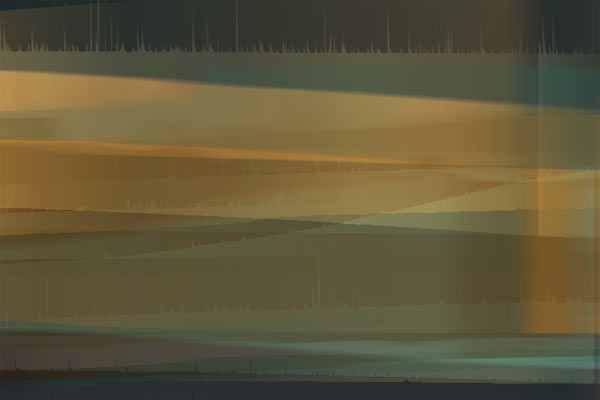
![]() |
![]() |
![]() |
![]() |
![]() |
|
![]() |
![]() |
![]() |
![]() |
![]() |
|
![]() |
![]() |
![]() |
Turtledove Kingdom is available as a screensaver (screen
effect) for Mac OS X, as well as a standalone image generator application.
The screensaver has options for animation, so it's not completely
static when it's creating new images.
Click here to download Turtledove Kingdom screensaver (trial version)
(on IE, you must Ctrl+click and choose "Download to disk")Click here to purchase the screensaver (opens Kagi order page)
To install the screensaver, open the file "TurtledoveKingdom-trial.dmg" on
your desktop, and drag the file "TurtledoveKingdom-trial.saver" into
the folder "Library/Screen Savers" under your home folder (i.e.
the full path is /Users/yourname/Library/Screen Savers). The screensaver
should now
show up in the Screen Effects panel of System Preferences.
The image generator
can generate images at resolutions up to 1600*1200 and save them to disk.
You could use it for creating
desktop patterns, textures, email postcards, color sketches, or really cheap
artwork for your living room (just tell people you painted them yourself...)
Not to mention that it's a neat toy. It's available bundled with the
screensaver, for a total price of $25 USD.
If you have any questions, or you can't order through Kagi for some reason,
please contact:
pauli (at) anioni.com